

Gemini

The Silent Breakage: A Versioning Strategy for Production-Ready MCP Tools

The Silent Breakage: A Versioning Strategy for Production-Ready MCP Tools

The Model Context Protocol (MCP) is unlocking a new era of connectivity between LLMs and our data. But as we move from “cool demos” to production systems, we are hitting a wall that every API developer recognizes, yet few are prepared for: Versioning.

If you treat an MCP server exactly like a standard REST API, you will break your agents.

While a standard API usually breaks loudly (throwing 400/500 errors) when a contract changes, MCP tools often break silently. A changed tool description or a renamed parameter doesn’t just cause a validation error; it causes the LLM to hallucinate, misunderstand its instructions, or fail to execute a Critical User Journey (CUJ) that worked five minutes ago.
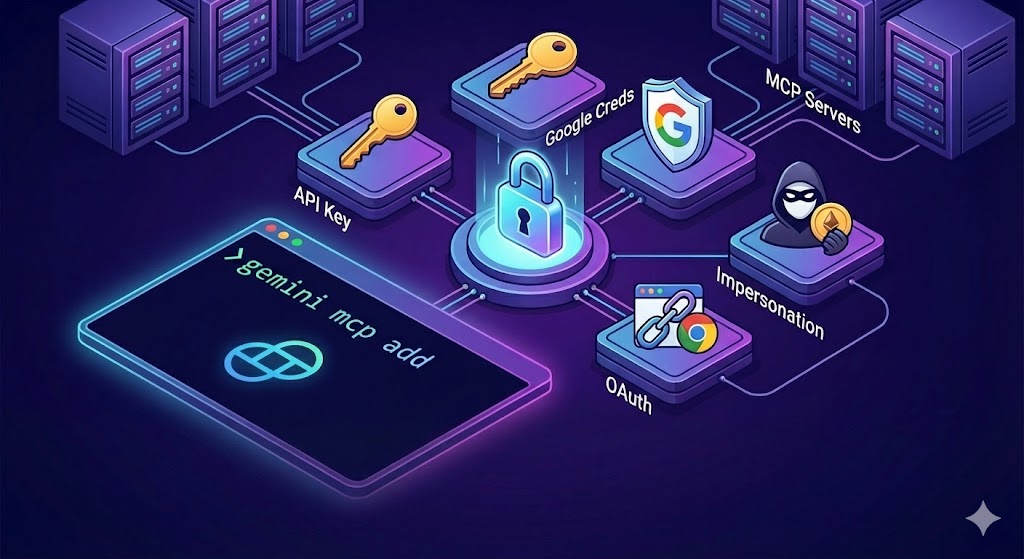
Gemini CLI Beyond the Basics: Choosing the Right MCP Authentication

Gemini CLI Beyond the Basics: Choosing the Right MCP Authentication

The Gemini CLI offers flexible authentication strategies to secure your Model Context Protocol (MCP) connections. Whether you are connecting to a simple MCP server exposing a couple of tools or a strictly governed enterprise service on Google Cloud, selecting the right authentication method is critical for both security and usability.

Defining “Security” in a CLI Context

Before diving into configuration, it is important to define what “secure” means when running a local CLI. We aren’t just talking about encryption in transit (HTTPS); we are talking about Local Credential Management and Token Lifespan.