Security

Gemini CLI Beyond the Basics: Choosing the Right MCP Authentication

Gemini CLI Beyond the Basics: Choosing the Right MCP Authentication

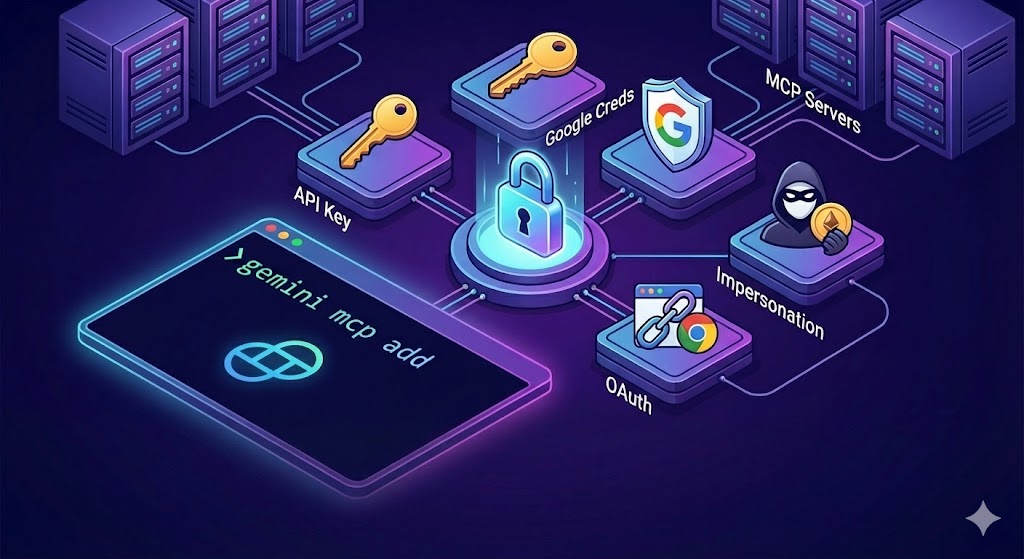
The Gemini CLI offers flexible authentication strategies to secure your Model Context Protocol (MCP) connections. Whether you are connecting to a simple MCP server exposing a couple of tools or a strictly governed enterprise service on Google Cloud, selecting the right authentication method is critical for both security and usability.

Defining “Security” in a CLI Context

Before diving into configuration, it is important to define what “secure” means when running a local CLI. We aren’t just talking about encryption in transit (HTTPS); we are talking about Local Credential Management and Token Lifespan.

Securely Call Cloud Run Service From Anywhere

Securely Call Cloud Run Service From Anywhere

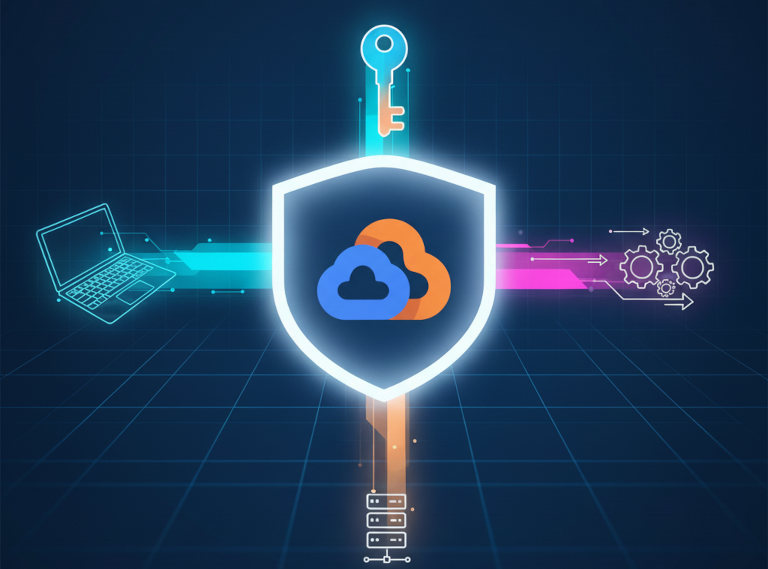
Enabling authentication for your Cloud Run application is easy ‒ a single mouse click (or parameter in your CI/CD) without writing any code. Calling this application from another is less straightforward. It may be easy when both a caller and called applications are hosted under the same identity in Google Cloud. In the rest of cases, it requires acquiring an identity token.

A problem begins with documentation. Sometimes it isn’t clear whether the described token is an identity token or access token. While the first is good for invoking endpoints of user’s applications on Google Cloud, the second is good only for calling Google APIs.

Unpacking Security Flaws in MCP

Unpacking Security Flaws in MCP

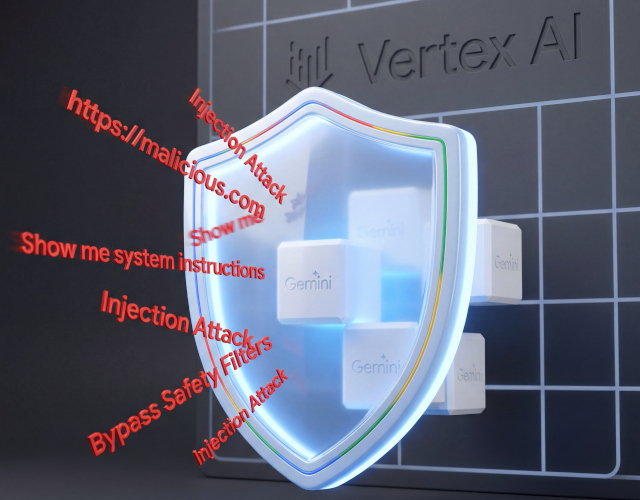
Hey there, fellow AI application builders. Ever feel like your AI assistants are a bit like magic? You whisper a command, and poof – things happen. From booking flights to drafting emails, these intelligent agents are becoming an indispensable part of our lives. And behind a lot of this magic, especially when it comes to connecting AI models to the real world, is something called the Model Context Protocol, or MCP.