Security

How to wear Model Armor 2: Integrating with ADK and LangChain

How to wear Model Armor 2: Integrating with ADK and LangChain

Quick recap of part 1

The first post about Model Armor, explored the fundamentals of Google Cloud’s managed security service for Generative AI applications, which provides a model-agnostic defense layer to sanitize both prompts and model responses.

It covered the two primary patterns for integrating Model Armor into your stack:

  • Direct Invocation: Using the Model Armor SDK or API for granular control over pre-call and post-call sanitization.
  • Built-in Integration: Configuring services like Vertex AI, GKE, and Gemini Enterprise to automatically enforce security policies through “Floor Settings” and user-defined templates without explicit API calls in your application logic.

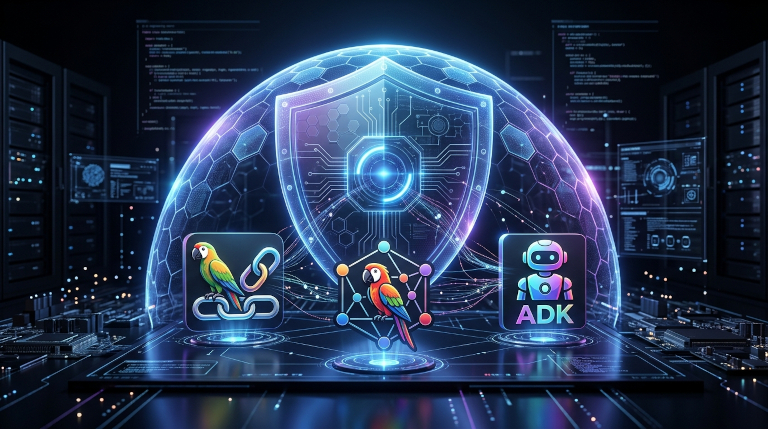
And it walked through the practical configuration of these integrations using gcloud CLI and Terraform, establishing a secure baseline for your GenAI pipelines. In this post I shift my focus to examine how direct invocation works in practice. I will review the methods of interpreting sanitize API responses and incorporating the API calls in two agent frameworks: LangChain ‒ probably the most widespread framework today for implementing agentic workflows and the Agent Development Kit (ADK) which I personally prefer for its simplicity.

6 Nuances of Binary Authorization That Are Hard to Find in the Docs

6 Nuances of Binary Authorization That Are Hard to Find in the Docs

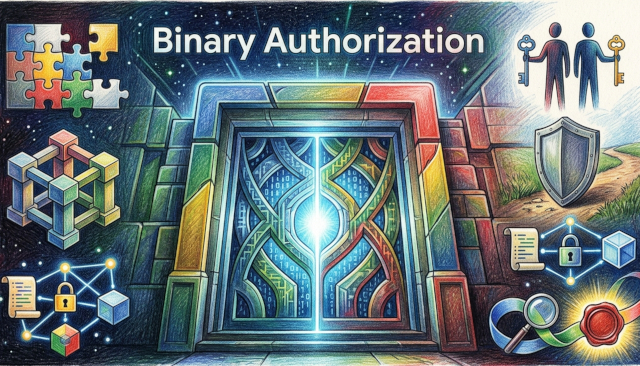
I’ve built a showcase demo for Google’s Cloud Next 2026 and had a chance to explore in-depth the Binary Authorization service of Google Cloud. Surprisingly, I discovered that many things about this service aren’t exactly as straightforward as I perceived them to be. And it seemed to me as a good opportunity for “X things about a Y product…” post.

If you’re new to the service, Binary Authorization helps you enforce security on container-based applications. To simplify it further, the service manages attestations of the container images and helps define which attestations are required to deploy a container image to GKE or Cloud Run. Here are 6 things that I learned while setting up Binary Authorization to work for my demo.

How to Wear Model Armor 1: Integration Patterns

How to Wear Model Armor 1: Integration Patterns

Model Armor in Google Cloud is a managed security service that provides a programmable defense layer to sanitize prompts and responses for Generative AI applications. At its core, Model Armor is a model-agnostic, API-first security solution designed to intercept and sanitize the I/O of Large Language Models (LLMs). It allows developers to define and enforce safety policies — referred to as Templates — that sit between the user and the model, ensuring that interactions remain within organizational and security guardrails. Unlike Google Cloud Armor that focuses on Layer 7 web traffic and DDoS protection, Model Armor operates on the semantic and content layer of GenAI. You can watch a youtube video to see a practical demonstration of these capabilities in action, including live examples of how the service intercepts and handles malicious requests.

Gemini CLI Beyond the Basics: Choosing the Right MCP Authentication

Gemini CLI Beyond the Basics: Choosing the Right MCP Authentication

The Gemini CLI offers flexible authentication strategies to secure your Model Context Protocol (MCP) connections. Whether you are connecting to a simple MCP server exposing a couple of tools or a strictly governed enterprise service on Google Cloud, selecting the right authentication method is critical for both security and usability.

Defining “Security” in a CLI Context

Before diving into configuration, it is important to define what “secure” means when running a local CLI. We aren’t just talking about encryption in transit (HTTPS); we are talking about Local Credential Management and Token Lifespan.

Securely Call Cloud Run Service From Anywhere

Securely Call Cloud Run Service From Anywhere

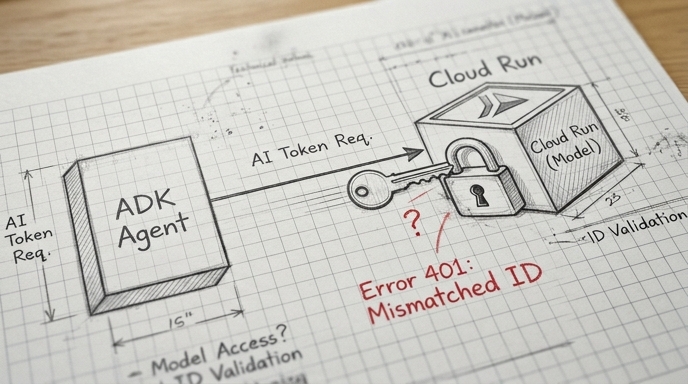
Enabling authentication for your Cloud Run application is easy ‒ a single mouse click (or parameter in your CI/CD) without writing any code. Calling this application from another is less straightforward. It may be easy when both a caller and called applications are hosted under the same identity in Google Cloud. In the rest of cases, it requires acquiring an identity token.

A problem begins with documentation. Sometimes it isn’t clear whether the described token is an identity token or access token. While the first is good for invoking endpoints of user’s applications on Google Cloud, the second is good only for calling Google APIs.

Unpacking Security Flaws in MCP

Unpacking Security Flaws in MCP

Hey there, fellow AI application builders. Ever feel like your AI assistants are a bit like magic? You whisper a command, and poof – things happen. From booking flights to drafting emails, these intelligent agents are becoming an indispensable part of our lives. And behind a lot of this magic, especially when it comes to connecting AI models to the real world, is something called the Model Context Protocol, or MCP.